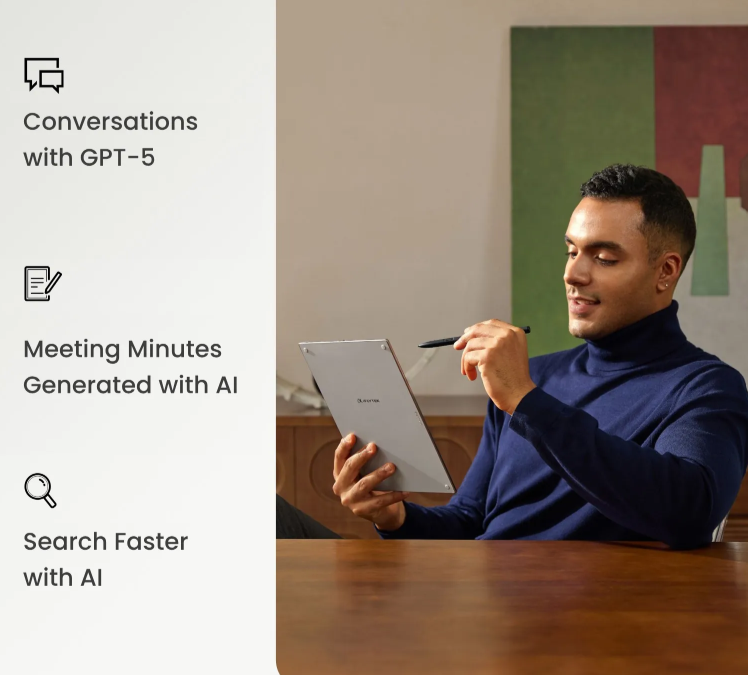
For busy professionals, meeting notes are more than simple reminders. They often contain decisions, client requirements, project updates, follow-up tasks, and important context that teams need after the meeting ends. However, traditional notebooks, scattered documents, and quick typing can make meeting records hard to review later. A note taking tablet offers a more practical way to capture, organize, and reuse meeting information without breaking the natural flow of work.
Devices such as iFLYTEK AINOTE 2 are designed for professionals who need both handwriting comfort and digital efficiency. Instead of choosing between paper notes and laptop typing, users can write naturally, record key discussions, convert handwriting into text, and use AI tools to summarize important points. This makes meeting notes easier to manage from the moment a discussion starts to the moment action items are assigned.
Why Busy Professionals Need a Better Way to Manage Meeting Notes
Busy professionals often move between client calls, internal meetings, brainstorming sessions, and project reviews in a single day. When notes are written across multiple paper notebooks or saved in different apps, important information can easily become fragmented. This creates extra work after the meeting, especially when users need to search for a decision, confirm a deadline, or share updates with a team.
A better meeting note system should do three things well: capture information quickly, keep notes organized, and make follow-up easier. Paper can feel natural, but it is difficult to search and edit. Typing is fast, but it may feel distracting during conversations. A note taking tablet bridges this gap by keeping the writing experience close to paper while adding digital functions that help professionals review and reuse their notes more efficiently.
How a Note Taking Tablet Makes Note Capture Faster and More Flexible
A note taking tablet helps professionals record meeting information in a way that fits different situations. During a formal meeting, users can write structured notes with headings, bullet points, and diagrams. During a fast discussion, they can quickly mark key points, circle important details, or add handwritten comments without worrying about formatting.
This flexibility is especially useful in meetings where information changes quickly. A client may revise a requirement, a manager may assign a new deadline, or a team member may raise a risk that needs attention later. With a digital note taking device, users can adjust their notes, add extra pages, move content, and keep related information in one place.
For professionals who attend many meetings each week, this reduces the risk of losing important details. Instead of relying on memory after the meeting, they can capture information as it happens and organize it before it becomes difficult to track.
Turning Handwritten Meeting Notes into Organized Digital Records
One major advantage of a note taking tablet is that handwritten notes do not have to stay locked on the page. Many devices can convert handwriting into digital text, making meeting records easier to search, edit, and share. This is helpful when users need to turn rough notes into formal summaries, project updates, or task lists.
For example, a professional can write meeting notes naturally during a discussion, then convert the content into clean text afterward. This avoids the need to retype everything manually. It also makes it easier to find specific names, dates, numbers, or topics later.
Digital organization also improves long-term note management. Notes can be stored by project, client, date, or meeting type. Instead of flipping through paper pages, users can quickly locate past discussions and connect them with current work. This is especially valuable for managers, consultants, sales teams, and remote workers who need clear records across multiple conversations.
Using AI Features to Summarize Decisions and Action Items
AI features can make meeting notes more useful after the discussion ends. Long meeting records often contain a mix of ideas, background details, decisions, and next steps. Without a clear summary, users may spend extra time reviewing pages of notes before they can act.
A note taking tablet with AI support can help summarize the main points, extract decisions, and highlight action items. This allows professionals to move from raw notes to usable information faster. Instead of rereading every sentence, users can quickly see what was agreed, who is responsible, and what needs to happen next.
This is particularly helpful for busy teams where follow-up speed matters. After a project meeting, AI-generated summaries can support faster task planning. After a client call, key requirements can be reviewed more clearly. After a brainstorming session, useful ideas can be separated from general discussion. The result is not just better note storage, but better meeting outcomes.
Choosing the Right Note Taking Tablet for Daily Meeting Workflows
The best note taking tablet for professional meetings should support both comfort and productivity. A paper-like writing experience matters because users need to write for long periods without feeling distracted. A clear screen, responsive stylus, and lightweight design can make the device easier to use in offices, conference rooms, and travel settings.
Professional users should also consider features such as handwriting recognition, voice recording, AI summaries, file organization, and cloud syncing. These functions help notes move smoothly from capture to review to sharing. Battery life and portability are also important for people who attend back-to-back meetings or work between different locations.
For busy professionals, meeting notes should not become another task to manage. A well-designed note taking tablet can make the process more natural, structured, and efficient. By combining handwriting, digital organization, and AI-assisted summaries, it helps users capture important ideas clearly and turn meeting discussions into practical next steps.