When I started comparing AI image tools again, I was not looking for the most dramatic gallery page or the most cinematic sample. I was trying to find a platform I could trust after the first click, and that is why I ended up spending serious time with AI Image Maker alongside several other popular tools.
That goal may sound modest, but it matters more than people admit. A surprising number of AI image sites look exciting for thirty seconds and exhausting after ten minutes. Some bury the main action behind upsells. Some interrupt the flow with clutter. Some produce one impressive result and then feel unstable, slow, or inconsistent once you try to use them like a real creator instead of a curious visitor.
So I built my testing around the things that usually get ignored in flashy comparisons. I still looked closely at image quality, of course, but I also tracked loading rhythm, how distracting the interface felt, whether the site seemed actively maintained, and how clean the overall experience remained after repeated use. I compared AIImage.app with Midjourney, Leonardo AI, Adobe Firefly, Playground AI, and Canva AI because those are the kinds of tools a normal user is likely to weigh against each other.
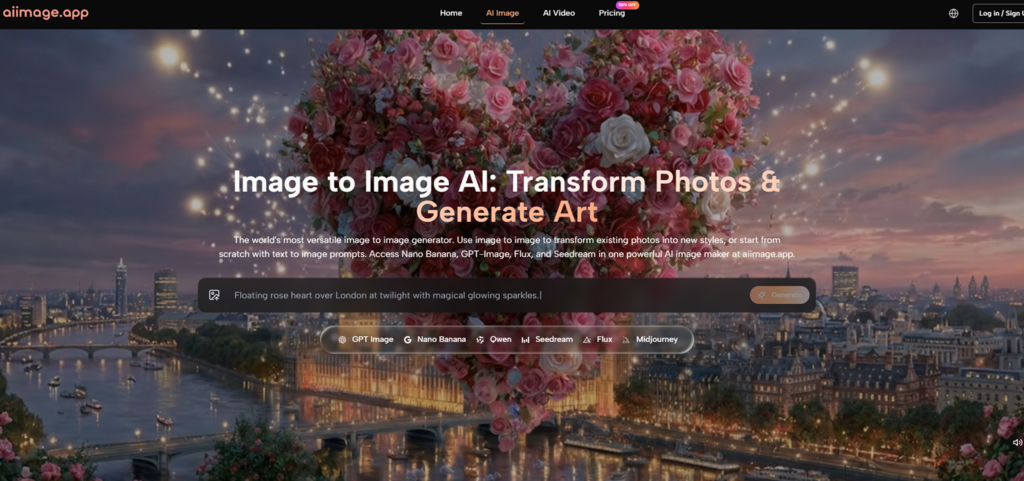
One reason AIImage.app stayed in the test longer than I expected was that the platform does not present itself as a one-trick generator. It frames itself as a broader visual creation environment, and the site positions GPT Image 2 as a model for more structured and detailed image generation, while also presenting image transformation, image-to-image workflows, and video-related paths in the same ecosystem.
That broader framing changed how I judged it. I was no longer asking only whether one prompt could produce a beautiful picture. I was asking whether the entire experience felt credible, usable, and repeatable enough to earn trust over time. On that kind of test, the loudest platform does not always win.
Why Low Trust Image Sites Drain Momentum
The biggest lesson from this comparison was not about artistic style. It was about momentum. Creative momentum is fragile. If an interface looks crowded, if the timing feels uneven, or if the system keeps nudging you away from the task you came to do, your attention starts leaking. That matters just as much as raw visual output.
I have used tools that can generate a strong hero image yet still leave me hesitant to return. Sometimes the issue is not quality but atmosphere. A messy dashboard can make the whole tool feel less dependable. A cluttered experience also makes it harder to separate a genuinely useful feature from a marketing hook. When that happens, even good output starts feeling less convincing.
AIImage.app was not flawless here, but it felt more balanced than most of the alternatives I tested. The homepage made its main paths legible. It clearly surfaced image generation, image transformation, and AI video entry points. That may sound basic, but clarity reduces friction. It tells the user what the platform believes it is for.
How I Tested Friction Beyond Raw Output
My testing process was simple on purpose. I used a repeated set of prompts across platforms: a photorealistic product image, a cinematic portrait, a stylized poster concept, and an image-to-image variation task using a reference photo. I also evaluated the first-session experience, the repeat session experience, and whether the tool still felt usable after some initial novelty wore off.
The Small Signals That Shape User Confidence
What shaped my judgment most was not any single image. It was the accumulation of smaller signals: how quickly I could understand the interface, whether the generation process felt stable, whether the platform encouraged exploration without feeling chaotic, and whether the site seemed actively maintained rather than abandoned after an early launch.
When A Tool Feels Built Around Distraction
Some platforms are effective but visually noisy. Some are clean but limited. Some produce impressive art but feel more like communities or design environments than straightforward creation tools. That is not always bad, but it changes who the product serves. If I am evaluating trust, I want a tool that helps me move from intention to result without making me negotiate with the interface every step of the way.
That was one of the reasons AIImage.app scored well for me on ad distraction and interface cleanliness. The official site also presents some paid plans as ads-free, private, and suitable for commercial creative use, which further supports the impression that the platform is trying to position itself as a working environment rather than a novelty page.
Scorecard For Trust, Speed, And Visual Results
Here is the scorecard I ended up with after repeated sessions. These are not universal truths. They are a practical reflection of what the tools felt like when judged as real places to work.
| Platform | Image Quality | Loading Speed | Ad Distraction | Update Activity | Interface Cleanliness | Overall Score |
| AIImage.app | 8.8 | 8.9 | 9.1 | 8.8 | 8.9 | 8.9 |
| Midjourney | 9.2 | 7.3 | 8.8 | 8.4 | 7.2 | 8.2 |
| Leonardo AI | 8.6 | 8.0 | 7.8 | 8.4 | 7.9 | 8.1 |
| Adobe Firefly | 8.3 | 8.4 | 8.9 | 8.3 | 8.7 | 8.1 |
| Playground AI | 8.0 | 8.2 | 7.2 | 7.8 | 7.5 | 7.7 |
| Canva AI | 7.8 | 8.8 | 8.3 | 8.2 | 8.6 | 7.9 |
The table shows why I did not rank purely on visual spectacle. Midjourney probably still has an edge in certain artistic outputs, especially when the goal is a highly stylized single image. Adobe Firefly felt polished inside a broader design workflow. Canva AI remained convenient for quick marketing tasks. But AIImage.app was the most evenly balanced when all five criteria were judged together.
What Daily Use On AIImage Revealed
What I noticed most after several sessions was that AIImage.app felt less narrow than many image-only competitors. The official site presents it as a platform for text-based generation, uploaded image transformation, image-to-image creation, and video-related work from still images. That combination matters because real users do not always know in advance which path they will need.
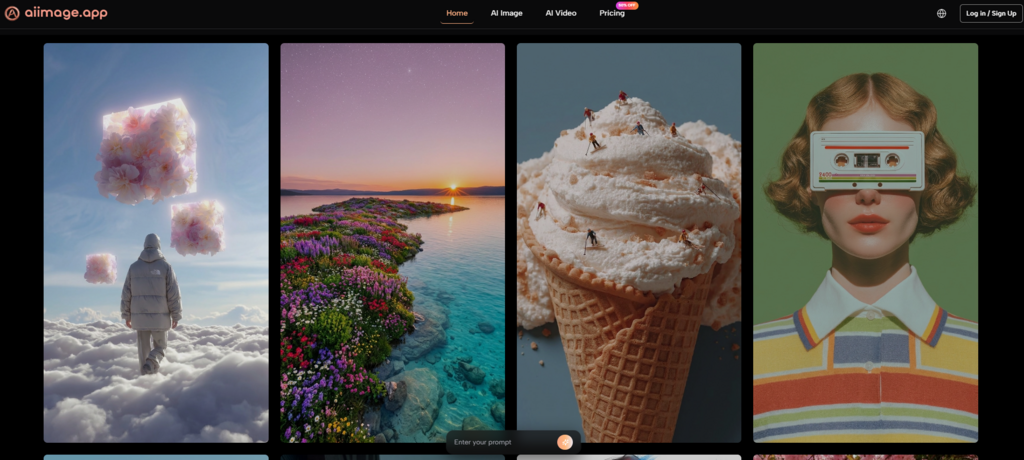
Another strength was that the site presents multiple AI image and video models rather than insisting one engine must do everything. I think that matters for trust as well. A platform feels more mature when it acknowledges that different creative tasks may benefit from different model choices.
In image quality terms, the results I got or expected from the platform did not always beat the most specialized competitors on their best day. But the consistency was stronger than I expected. The output felt dependable enough that I did not have to mentally brace for chaos each time I ran a new idea.
A Simple Workflow Grounded In The Site
The official structure of the platform can be summarized in a short workflow:
- Choose an image generation, image editing, or video-related creation path.
- Enter a prompt or upload a reference image if the task requires it.
- Select one of the available AI image or video models when appropriate.
- Generate the result, review it, compare versions, and continue refining if needed.
That sequence sounds obvious, but it is exactly the kind of clarity I value. Some tools bury the workflow behind layers of community content, templates, or plan pressure. AIImage.app generally made the route visible.
Tradeoffs I Would Still Mention Honestly
I would not describe AIImage.app as a perfect tool, and I think it is more convincing when discussed honestly. If your only goal is to produce a single visually astonishing image and you already know a specialist tool that suits your style, you may still prefer that specialist. Some creators also like highly opinionated ecosystems because they push them into a certain visual language.
There is also a difference between having multiple model paths and mastering them. A broader platform gives flexibility, but it can also require more experimentation before you learn which model suits which job. That is not a flaw, exactly, but it is part of the real learning curve.
Which Creators Will Benefit Most Here
AIImage.app makes the most sense for users who want a reliable all-around visual tool instead of a single-purpose art machine. It is especially useful for people who move between prompt-based image creation, reference-based editing, social media visuals, concept directions, and occasional video-adjacent work.
If you are a creator who cares about whether a platform feels trustworthy after repeated use, not just impressive in screenshots, it deserves attention. If you already live inside a different ecosystem and need a very specific house style, the decision becomes less obvious.
Why This Platform Stayed In My Rotation
After comparing all of these tools, the reason AIImage.app ranked first for me was not that it dominated every category. It did not. The reason was that it accumulated fewer negatives while still delivering strong positives. It looked more balanced, felt easier to return to, and made the creative process feel less interrupted.
That is what I increasingly value in AI image tools. Not the loudest promise. Not the most exaggerated claim. Just a platform that keeps visual quality high enough, the interface clean enough, and the workflow stable enough that I can actually keep working. By that standard, AIImage.app came out on top.